Invoicing guide for service professionals in Portugal
Invoice, invoice-receipt or receipt? NIF, VAT, ATCUD and credit notes explained for barbers, therapists and clinics, with official sources and a checklist.
Rui, a barber, has just finished a €15 haircut. The customer pays with MB WAY, says thanks and leaves. "Do you want an invoice?" "No, thanks." And Rui, with the chair already taken by the next customer, lets it go. Two weeks later, that is forty haircuts with no invoice.
This is one of the most common questions for anyone working for themselves in services in Portugal: which document do I issue, when, and with what VAT? This guide answers it in plain language, with links to the official sources, for barbers, psychologists, beauticians, physiotherapists, personal trainers and clinics. The Portuguese terms (fatura, fatura-recibo, NIF) are kept because they are what appears on your documents.
Invoice, invoice-receipt or receipt: which is which?
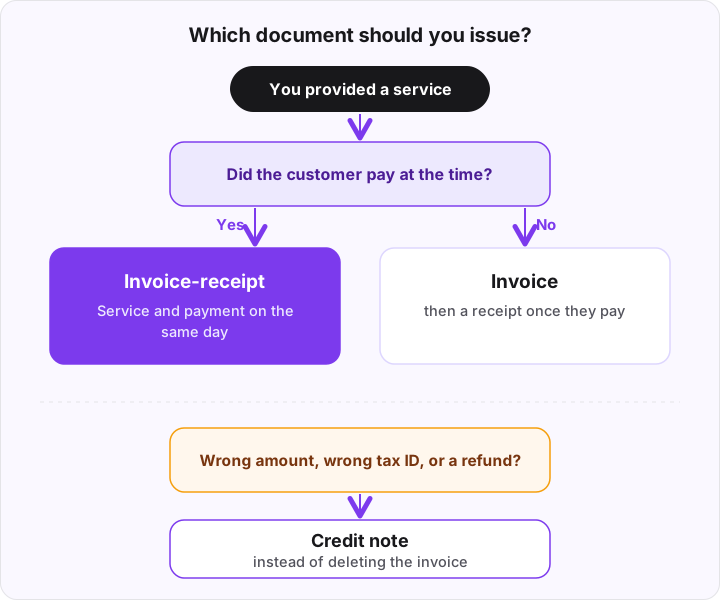
According to the tax authority's (AT) page on invoices and receipts, the choice depends on whether the service date matches the payment date:
| Document | When |
|---|---|
| Fatura (invoice) | The service date differs from the payment (the customer pays later) |
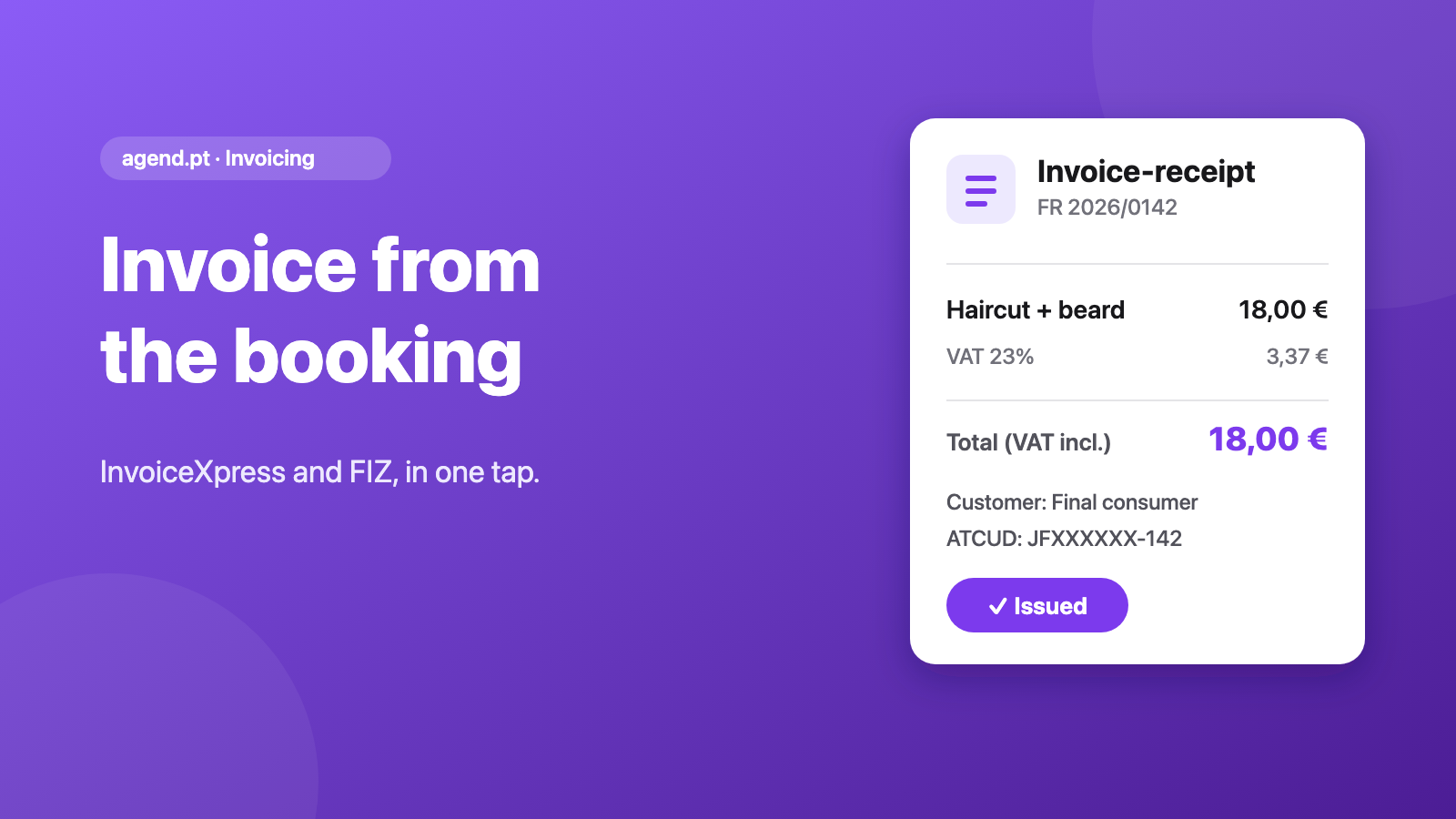
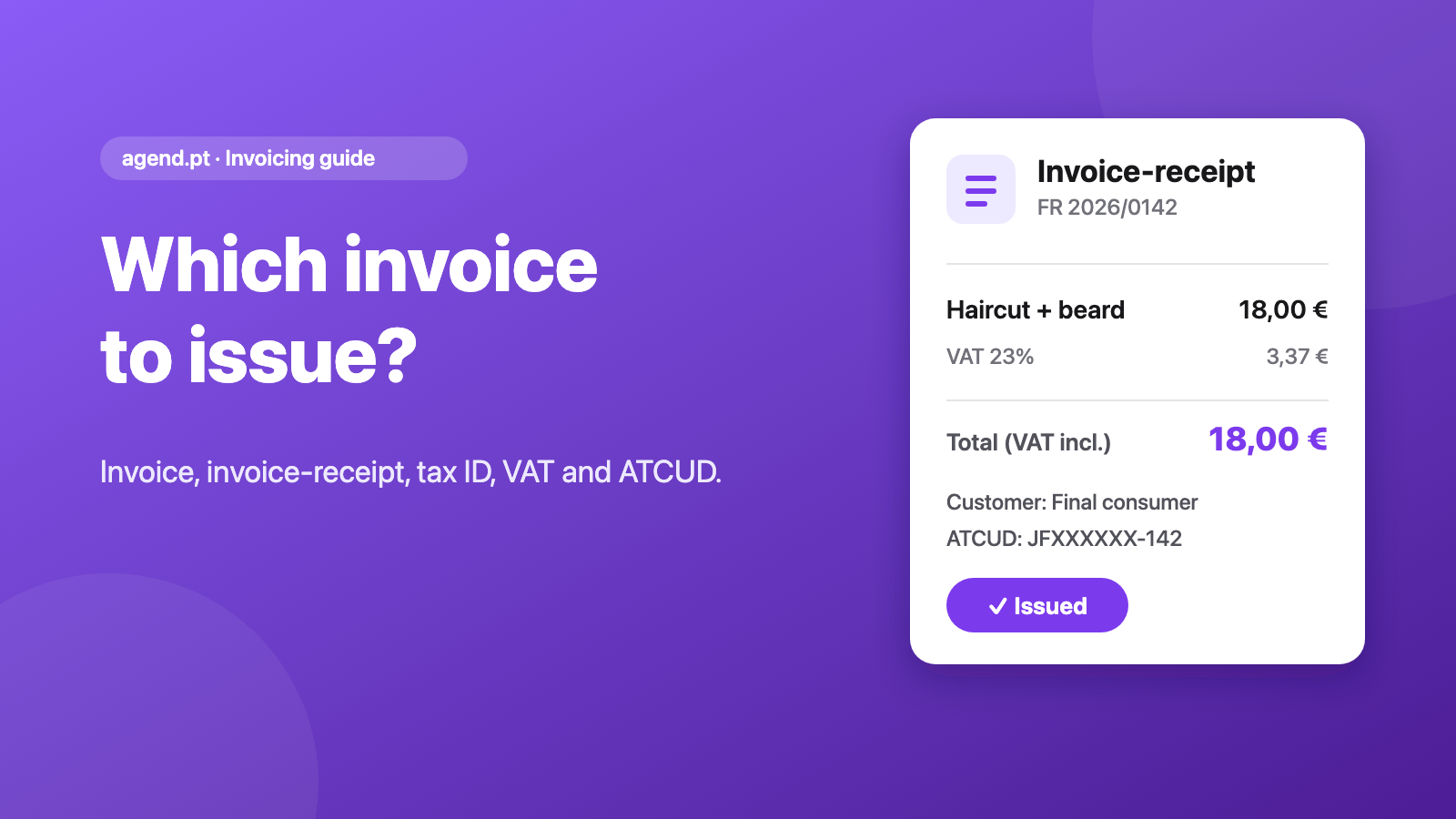
| Fatura-recibo (invoice-receipt) | The service date matches the payment (they pay on the spot) |
| Recibo (receipt) | When you are paid; proves payment of an earlier invoice |
For a haircut, a consultation or a class paid on the day, the right document is almost always the invoice-receipt. A plain invoice and a receipt come into play when the customer pays later, such as a monthly package invoiced at month end.
What about "recibos verdes"? When you do not need a program
Many people still say "recibo verde" for issuing an invoice-receipt in the Portal das Finanças. If you are self-employed and issue everything in the Portal (Faturas e Recibos → Emitir) or in the ATGO app, you need nothing else to meet the obligation.
According to the same AT page, people who issue this way are exempt from reporting the invoice data, and series are communicated automatically, with the ATCUD included on documents issued in the Portal (AT FAQ on series and ATCUD). A certified invoicing program is also allowed, and the AT says the Portal works if you are not required to use invoicing software.
A certified program pays off when you issue many invoices a week and want to automate: the time you spend filling in the Portal by hand multiplies with every customer.
You must issue one every time, even if the customer does not ask
Anyone carrying out a VAT-liable activity must issue an invoice for every provision of services, regardless of who the customer is, even if they do not ask for it (art. 29(1)(b) of the VAT Code). And as a rule the invoice must be issued no later than the 5th working day after the moment the tax becomes due (art. 36(1)). If payment comes before the service, the invoice is issued on the date of the advance.
In practice: "I don't want an invoice" does not release you. Issue it, and if the customer does not want it, it is at least issued to final consumer.
Rule of thumb: if you were paid for a service, issue the invoice-receipt the same day. It is the easiest deadline to meet and nothing piles up.
NIF or final consumer
If the customer does not ask for a NIF, the invoice goes out to Consumidor final (final consumer). If they ask for their NIF, it must appear on the invoice. This is not only companies: many private individuals ask for it to deduct the expense in their IRS return (for example, health costs).
For companies and other taxable persons, the VAT Code requires the buyer's NIF on the invoice (art. 36(5)(a)). A wrong NIF is a pain to correct (it takes a credit note and a new invoice), so validate it when you issue, not afterwards.
VAT on services: 23%, art. 53 and art. 9
The VAT Code has three rates: 6%, 13% and 23%. 23% is the standard rate: it applies to anything not in lists I (6%) and II (13%) annexed to the Code. The Azores and Madeira may set their own rates.
Two regimes explain most "no VAT" invoices:
- Art. 53 exemption (small businesses): it covers those who did not exceed annual turnover of €15,000 in the previous calendar year. Since Decree-Law 35/2025 (in force since 1 July 2025) the current year counts too: if turnover exceeds that threshold by more than 25% (that is, passes €18,750), the exemption ends and VAT becomes due from that moment, under art. 58(2)(b) and (4)(b). You then have 15 working days to file the change-of-details declaration. If you are exempt you do not charge VAT, but you cannot deduct it either. On the invoice, the AT gives the wording "IVA - regime de isenção".
- Art. 9 exemption (health): services by doctors, dentists, psychologists, midwives, nurses and other paramedical professions are exempt, as are services by clinics and similar establishments. The invoice reads "IVA - Isento art.º 9.º".
An example: Marta, a psychologist, charges €50 a session. Psychologists' services are exempt under art. 9, so Marta's invoice goes out without VAT and with the article cited. Rui, the barber, charges €15. If he invoiced more than €15,000 the previous year he cannot use the art. 53 regime and applies the rate that matches his service. If he invoiced less, he may fall under that regime, but if he passes €18,750 this year, VAT is due from that moment.
In agend.pt you can set 23%, 13%, 6% or 0%, and with 0% you choose the reason (M10 for art. 53, M07 for art. 9, or another M code).
Series and ATCUD, demystified
A series is the "folder" in which your documents are numbered in sequence (for example FR 2026/1, FR 2026/2). The ATCUD is the code that identifies each document: it joins the series validation code, issued by the AT, to the document's sequence number.
What the law says, according to Portaria 195/2020 and the AT:
- The ATCUD must appear on all invoices and other tax-relevant documents, in the format
ATCUD:ValidationCode-SequenceNumber. - The series must be communicated to the AT before you start using it, to obtain the validation code.
- The code is specific to each combination of series and document type: a series used for invoices and for credit notes needs two codes.
With a certified program this part is guided: you create the series, the program registers it and puts the ATCUD on the document. When you connect agend.pt you can only pick series already registered for invoice-receipts and credit notes.
Credit note, not "void"
An issued invoice is not deleted. To fix a mistake, refund money or cancel a service you issue a corrective document, normally a credit note that references the original invoice (art. 36(6) of the VAT Code).
In agend.pt the Void button does that for you: it issues the credit note in your account, in the registered series, and the invoice is marked as voided. Then you issue a new, correct one.
What certified software means
It is invoicing software that went through AT certification (Portaria 363/2010, with a list of certified programs published on the Portal). Documents include the ATCUD and a QR code, and the program handles numbering and communication according to your setup.
agend.pt is not a certified invoicing program and never talks to the AT. It connects to your InvoiceXpress or FIZ, which issue the documents in your name.
How to choose: InvoiceXpress, FIZ or another
There is no single best program. Compare what matters for your business:
- Price and plan: each program is its own subscription, paid to the provider.
- Is it certified? Check the AT list.
- Communication to the AT: how and when the program reports. In InvoiceXpress it follows the method you configured; in FIZ, issuing reports if the AT link is active.
- Integration with your calendar: InvoiceXpress and FIZ connect to agend.pt, and the overview is on Integrations.
- Support and ease of use: try a demo account, if there is one, before deciding.
If you already have an accountant, ask which one they use: it is easier when you both work in the same program.
Before and after: a barber's end of day
| Without integration | With invoicing from the booking | |
|---|---|---|
| At the chair | Customer pays, no invoice | Customer pays, you tap "Issue" |
| 8:15 pm | 7 invoices to issue by hand | Nothing pending |
| Data | Name and NIF copied from WhatsApp | NIF comes from the customer record |
| Wrong amount | Reissue in the program | "Void" and issue again |
| Customer | Asks for the invoice by message | Gets the link by email |
Invoicing checklist for professionals
- I know which document to issue (invoice-receipt if the customer pays on the spot).
- I issue one invoice per service, even if the customer does not ask.
- I issue by the 5th working day after, or the same day if I am paid.
- I know whether I charge VAT (23%) or am exempt (art. 53 or art. 9).
- The invoice carries the correct exemption wording, if applicable.
- My series are communicated to the AT and the ATCUD appears on documents.
- I ask for the NIF from those who want it; the rest go out as final consumer.
- I fix mistakes with credit notes, never by deleting documents.
- I keep invoices and credit notes in the program, deleting nothing.
How agend.pt removes the manual step
When a booking is done, the Issue invoice button opens the invoice-receipt with the service price (VAT included) and the NIF from the customer record, validated as you type. You review the pre-filled form and submit it; the invoice is issued within seconds, in your name by InvoiceXpress or FIZ, and the customer gets the link by email if you want. On the Pro plan you can even tell the assistant "invoice Pedro".
It is a feature of the Premium (€11.99/month) and Pro (€17.99/month) plans, and the invoicing program remains a separate subscription. The step-by-step, with screenshots, is in the guide to issuing the invoice-receipt from the booking. If you are a barber or a therapist, see the guides to barber booking software and online booking for psychologists.
Summary
Issue one invoice for every service, the invoice-receipt if the customer pays on the spot, with the right VAT or exemption, in a registered series and with an ATCUD. If you slip up, a credit note. And if you want to stop copying data at night, connect your certified program to your calendar. Check your own situation with your accountant.
Official sources
- VAT Code, art. 9 (exemptions on domestic operations)
- VAT Code, art. 18 (rates)
- VAT Code, art. 29 (general obligations)
- VAT Code, art. 36 (invoice deadline and formalities)
- VAT Code, art. 53 (exemption regime)
- VAT Code, art. 58 (end of the exemption regime)
- Decree-Law 35/2025 of 24 March (Diário da República)
- AT: invoice and receipt
- AT: series communication and ATCUD, FAQ and Portaria 195/2020
- AT: invoicing software certification
This guide is informational and is not tax advice. Checked against the official sources in October 2026.