UTM links for bookings: a practical guide
Tag links from Instagram, Google, Facebook, and WhatsApp to learn which channels turn visits into real bookings.
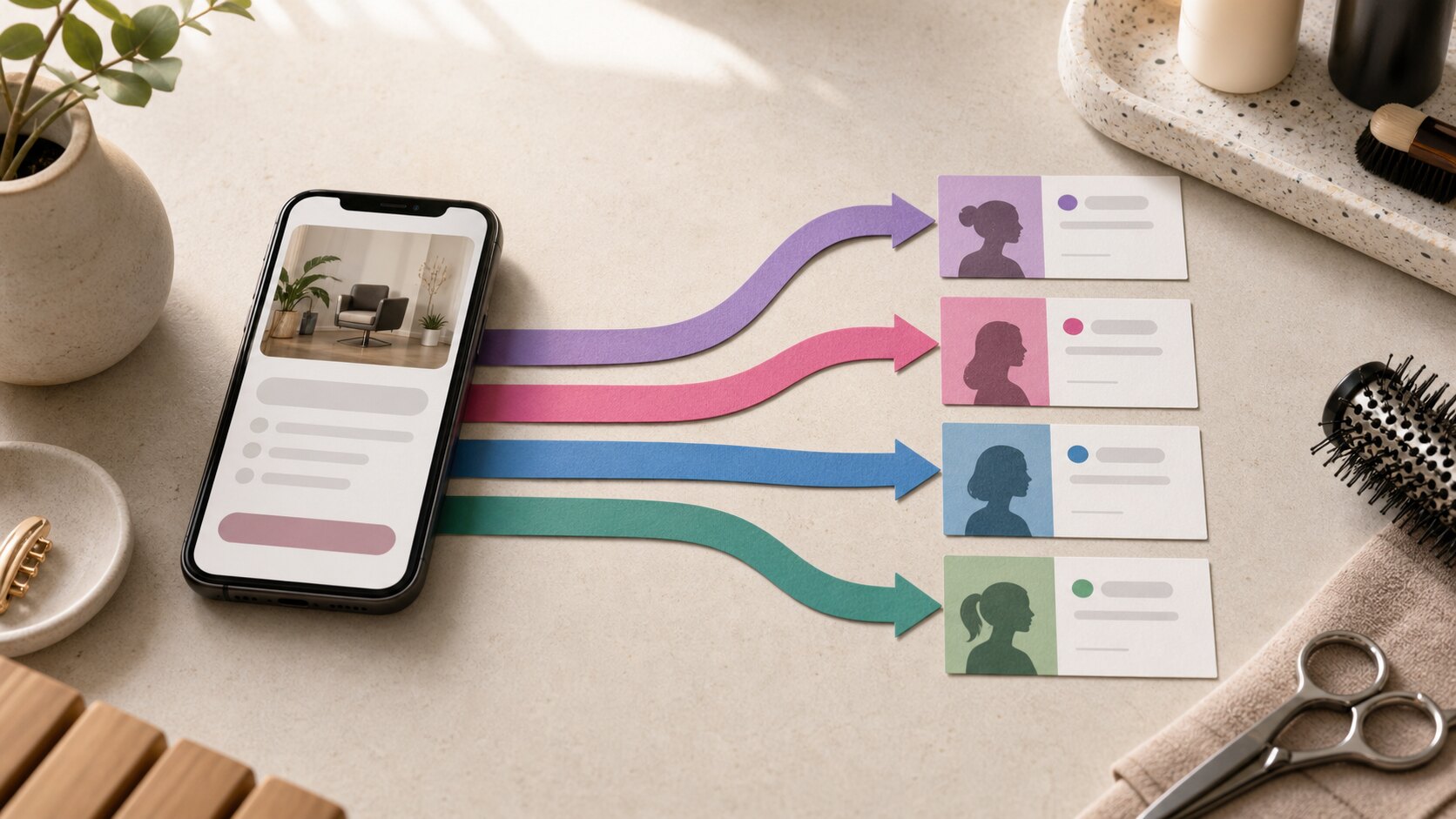
You share the same booking link in your bio, Google Business Profile, and WhatsApp messages. Reservations arrive, but they all look the same. You know the marketing worked; you do not know which part worked.
UTM parameters solve that problem without changing the page your customer sees. They add small labels to the address, allowing the booking to keep the path that brought it in.
A UTM link is simply a labelled address
UTM is the name given to a common set of parameters added after the question mark in an address. The page still opens normally. The customer does not need to fill in anything, and the booking does not gain extra steps.
Compare:
https://example.com/book
https://example.com/book?utm_source=instagram&utm_medium=social&utm_content=link_in_bio
Both addresses reach the same page. The second says the visit came from Instagram, through social distribution, using the bio link.
If your address already contains a question mark, subsequent parameters begin with &. A link builder or the tool where you prepare a campaign will normally handle this detail for you.
Use only the fields that support a decision
There are several possible parameters, but four are enough for most small service businesses.
| Field | Question it answers | Example |
|---|---|---|
utm_source |
Which channel sent the visit? | instagram |
utm_medium |
How was it distributed? | social |
utm_campaign |
Which activity or campaign was it? | back_to_school |
utm_content |
Which exact link or format? | august_story |
Always start with the source. Add content when you have several links on the same channel. Use campaign when an initiative has a clear beginning and end, such as a new service launch or summer promotion.
Do not try to encode the whole story in the address. tuesday_2pm_haircut_opening_joana is hard to maintain. Service and staff details already belong to the reservation.
Define a convention before making links
A simple sheet prevents fragmented reports. Write down the approved names and share them with anyone who publishes.
One workable starting point:
| Channel | Source | Medium |
|---|---|---|
instagram |
social |
|
facebook |
social |
|
| Google Business Profile | google |
organic |
| WhatsApp message | whatsapp |
message |
| Monthly email | newsletter |
email |
Use lowercase, remove accents, and replace spaces with _ or -. Pick one separator and keep it. The key is not alternating between google_business, google-maps, and gbp for the same placement.
Start small: tag the four links you already share every week. Add detail only when there is a specific decision you want to make.
Copy these examples for your main channels
Replace the fictional domain with the address of your public page. Keep the part after the ?, changing only the names you need.
Instagram bio
https://example.com/book?utm_source=instagram&utm_medium=social&utm_content=link_in_bio
Story about an open slot
https://example.com/book?utm_source=instagram&utm_medium=social&utm_campaign=weekly_openings&utm_content=story
Google Business Profile
https://example.com/book?utm_source=google&utm_medium=organic&utm_content=business_profile
WhatsApp message after an enquiry
https://example.com/book?utm_source=whatsapp&utm_medium=message&utm_content=availability_reply
Facebook post
https://example.com/book?utm_source=facebook&utm_medium=social&utm_content=post
Save each version with a name you can recognise. Before publishing, open it in a private window and confirm that it reaches the right page.
Separate campaign from content
This is the most common source of confusion. A campaign groups several activities with the same objective; content distinguishes each item within that group.
Imagine a sports massage launch. You could use sports_massage as the campaign in every link and vary the content:
launch_posttestimonial_storylink_in_biogym_partnership
At the end, you can see the launch's total result while still discovering which placement produced each reservation. If there is no larger activity to group, leave campaign out. An empty field is better than a meaningless name.
Avoid five mistakes that spoil the report
1. Using different names for the same channel. Choose between instagram and ig. Do not use both.
2. Reusing one tagged link everywhere. If you copy the bio link into WhatsApp, bookings from that message will look as though they came from Instagram.
3. Shortening before tagging. Add the parameters first, then create the short version if one is genuinely needed.
4. Dropping parameters when copying. Check that the complete address was pasted, especially in tools that display only part of a link.
5. Changing the convention without a note. If you need to correct names, record the date. You will know why the report changed.
Read the result without overclaiming
Start with each attributed booking. Did the channel produce the service you promoted? Did the customer book with the expected person? Did the campaign fill a difficult time?
Then use the overview to compare channels over the last 30 days. A rolling window is useful for operations, but it is not a scientific experiment. Demand changes with holidays, weather, paydays, and availability.
Attribution also depends on the customer's consent choice. Some reservations will appear as direct or unknown. An identified source represents the last measurable contact, not every moment that influenced the decision.
See the source inside an agend.pt booking
On agend.pt, link parameters can travel with a reservation made through the public page. The source remains visible in the booking detail, with campaign and content available without filling the whole calendar with analytics.
The source overview groups recent reservations by channel. You can recognise Instagram, Google, Facebook, and WhatsApp by their icons and open the detail only when needed. The feature is available on every plan, including Free.
If Instagram is your main channel, read how to know whether Instagram brings bookings. Then make four links, test them, and store the convention beside your content calendar.
One label for each decision
You do not need an analytics infrastructure. You need different links for different questions. Tag the source, add campaign or content when useful, and keep the names stable. The next reservation stops being just another booking: it shows which path earned your effort.